Author: Paul Bucci

  • Paper prototyping for robotics

    A common complaint I get from students is that the hardware is not good enough. My response is that’s robotics: the hardware is never good enough. What I mean is that as a designer, you always have to work within limitations. Sometimes the joy is in getting a very simple robot to do amazing things.

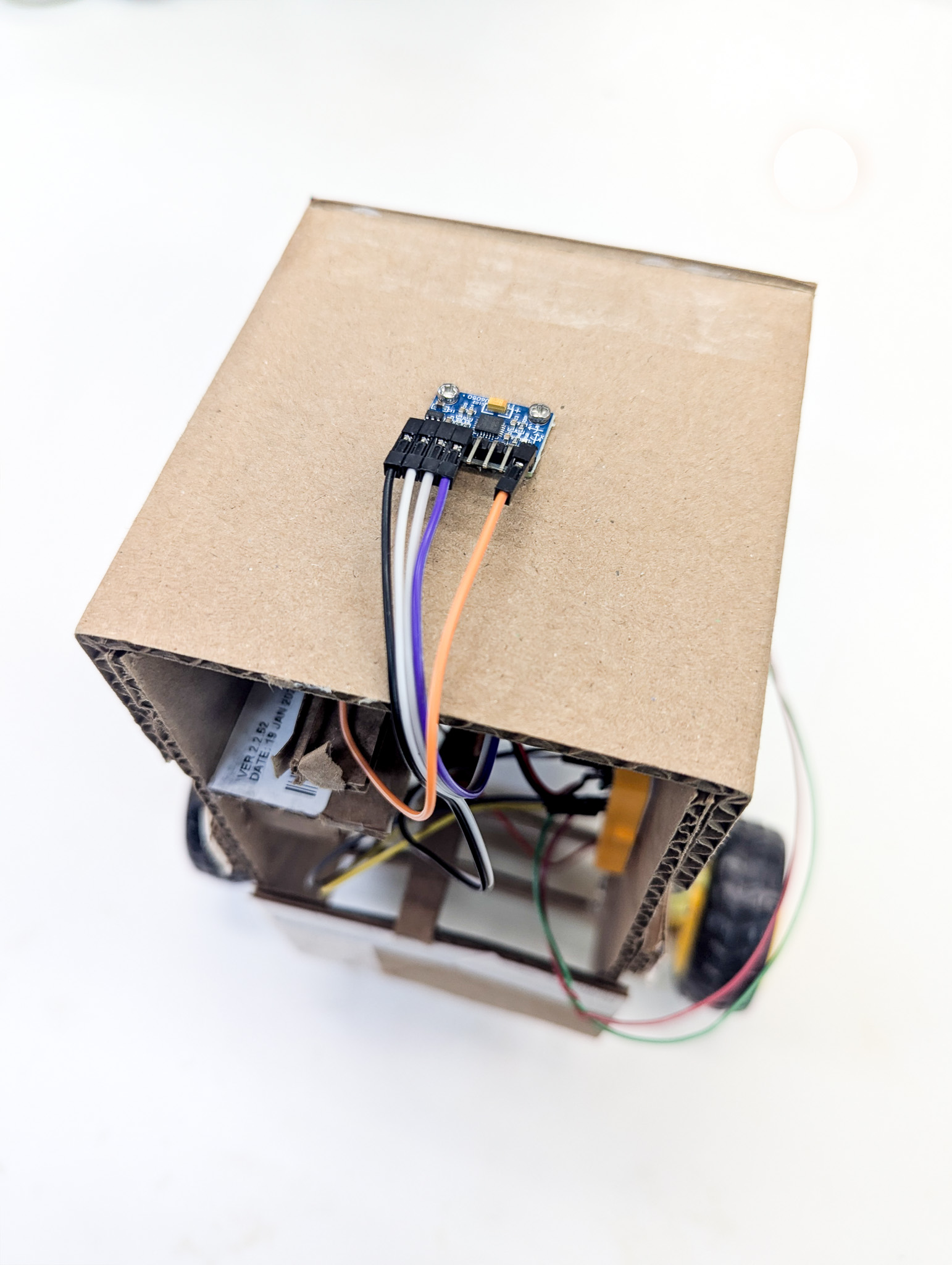
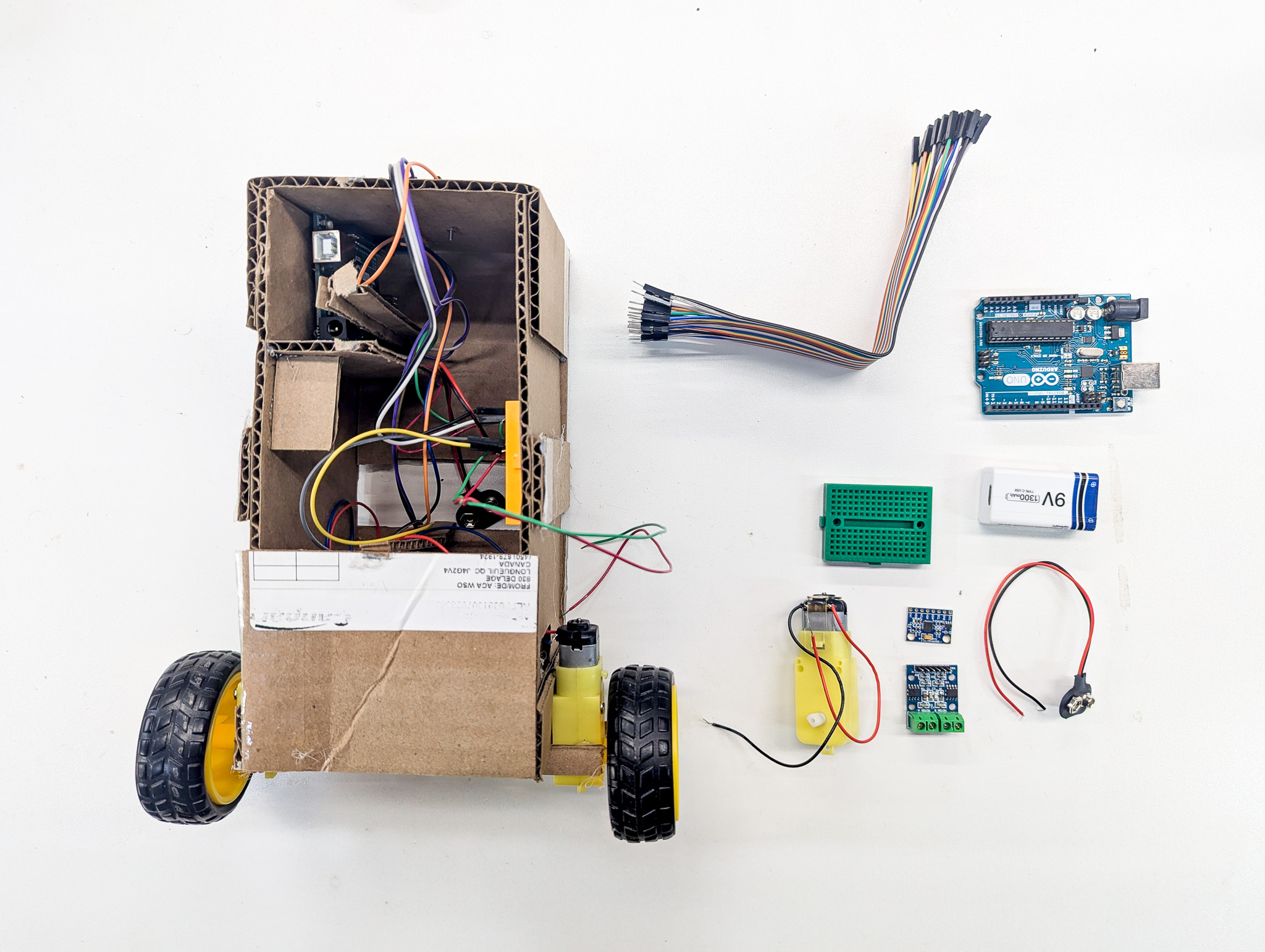
    For this project, I decided to use nearly the bare-minimum Arduino hardware with a cardboard body. I’ve built a lot of low-cost robots, and I believe strongly that a prototype should be just-good-enough. That way, you can break it, modify it, etc. without feeling too bad. Let the design settle, and then you can start to upgrade the hardware.
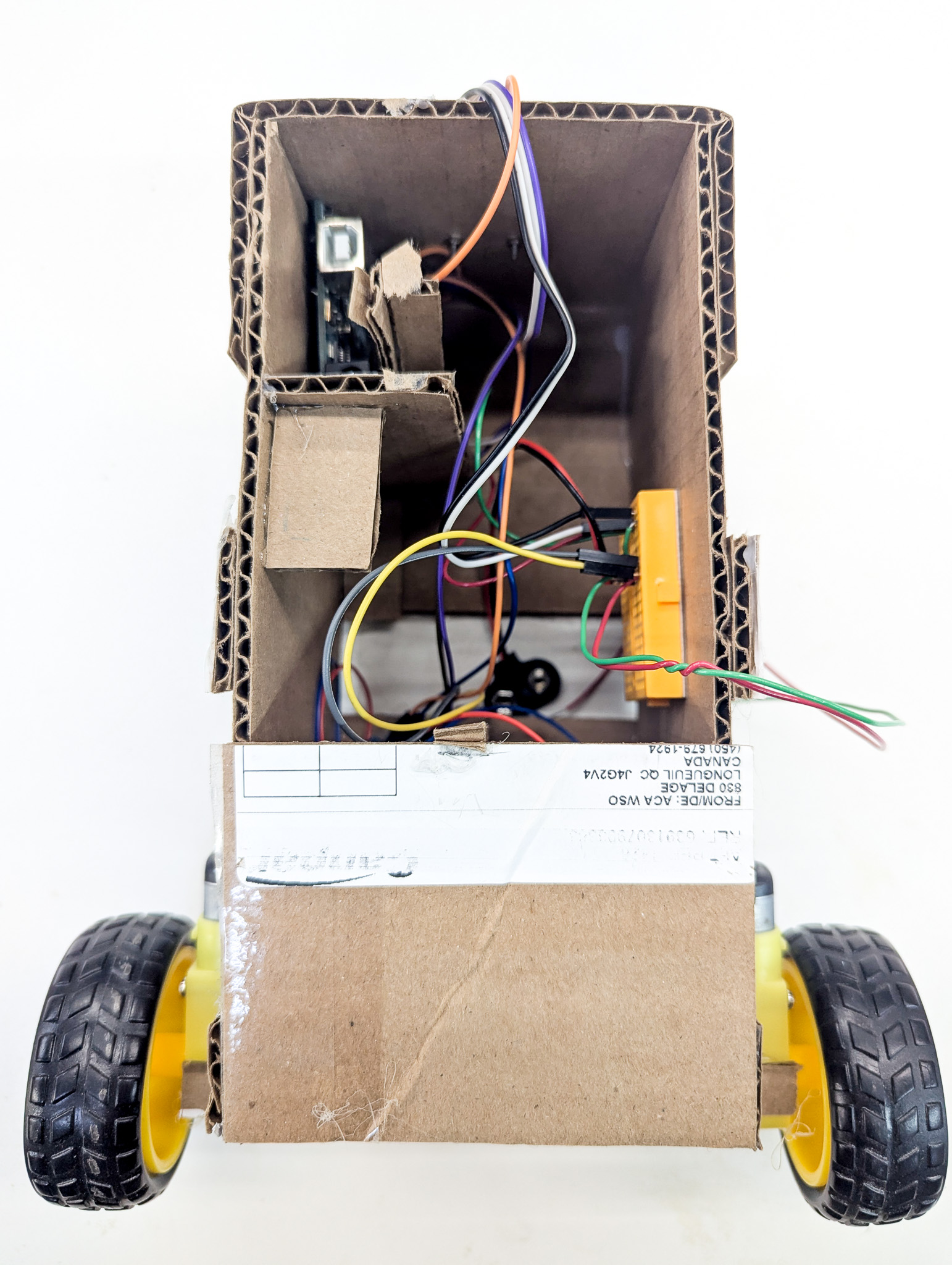
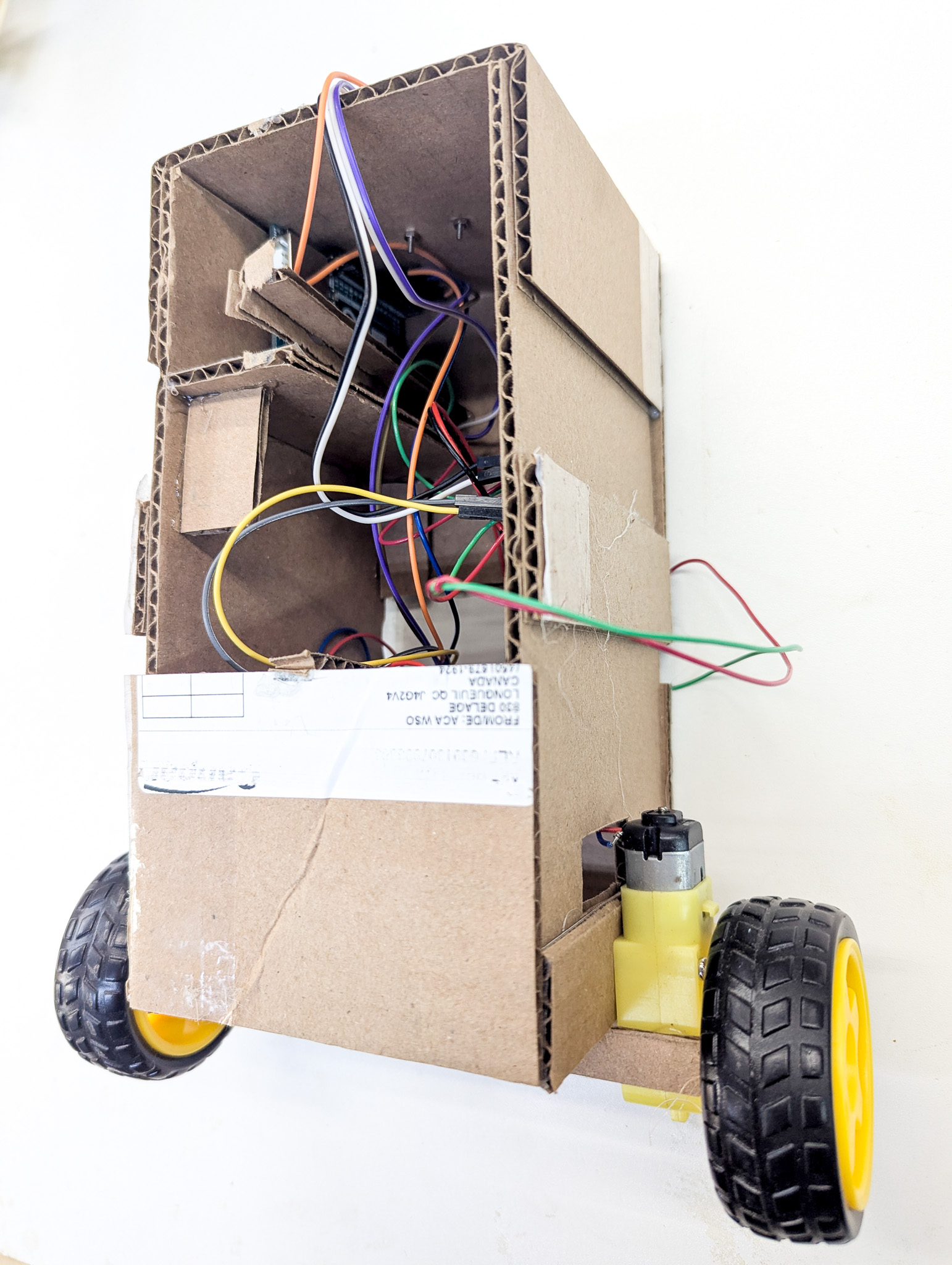
    All in, I built this in about an hour. Whenever there was a structural problem, I just glued on another cardboard panel. Cost? Zero.


    Creating the Accelerometer and motor libraries

    After some initial messing around, it was clear that the accelerometer needed some calibration. Using examples that others have made, I created a quick library at https://github.com/COGS-300/Accelerometer to handle accelerometer initialization and angle readout.

    The key functions that the library needed to handle were:

    1. Calibrating. The accelerometer may have some initial offset that needs to be calculated so that it is properly zeroed. For example, the robot may be upright, but due to some inaccuracy in placing the sensor, the sensor may be off by a few degrees.
    2. Translating raw data to tilt values. The accelerometer puts out raw acceleration data, not an angle (roll, pitch yaw).
    3. Communicating via Serial. To use the library for reinforcement learning, we need to get the values to a computer with enough power to run the model.
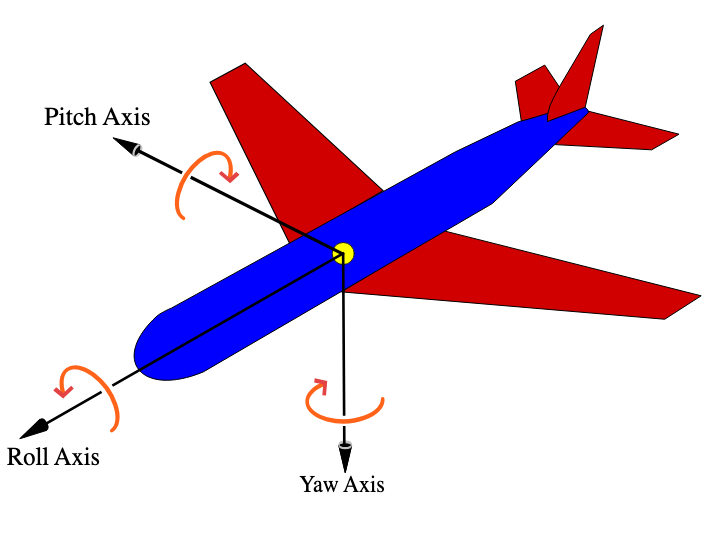
    Roll, pitch and yaw diagram (from Wikipedia)

    Similar to above, to keep the code reusable and organized, I wrote a quick motor handling library at https://github.com/COGS-300/Motor.

    The key function of the library is simply driving the motors. The library adds a human-readable interface for driving the motors, rather than just using the raw motor driver commands. It handles a few edge cases, like inverting the power output commands if needed, and allowing the input range to be -1.0 to 1.0 instead of requiring explicit handling of backwards/forwards and the 0-255 range, which is harder to remember.

    Learning from cardboard

    During the process of tuning the PID controller, I learned a lot from my cardboard prototype. First, I found out that the slight angle of the accelerometer made my robot continuously tip juuuuust enough that it would fall over. The light weight of the cardboard also made it so that there was very little inertia to overcome. The robot therefore would oscillate even with some precision PID controls. And so on.

    Although the first robot design didn’t “work”, it gave me the confidence that the project was viable, and taught me a lot about the basic physical problems that I would be dealing with. Stay tuned for the next iteration of the robot!
  • Redesigning labs to include Reinforcement Learning

    I’ve been teaching in the Cognitive Systems (https://cogsys.ubc.ca/) department for a number of years at UBC. My favourite course to teach is COGS 300: Understanding and Designing Cognitive Systems. It’s a big open-ended course, but the core lab project is building your own cognitive system by learning to make real, live robots. The students design their robots to solve mazes and find objects, then compete in a tournament for best time.

    The biggest challenge with COGS 300 is that the students are coming in with very little programming experience, and usually a not very techincal background. The COGS program has four streams (psychology, linguistics, philosophy, and computer science), so you may or may not be getting people who have an aptitude or confidence in programming. I always tell students that they will be surprised at how capable they are—some of my best students have not been computer science majors!

    This year, we have some funding to upgrade the COGS 300 labs. That means better documentation, better equipment, and hopefully more interesting and relevant lab content. My hope is to work some machine learning into the labs in a way that is still accessible and teachable. I’ve decided that reinforcement learning is the best approach given the time constraints and other content we teach in the course.

    In these blog posts, I am going to document the process of redeveloping COGS 300 to include reinforcement learning. Stay tuned!

  • Wax and paper molds

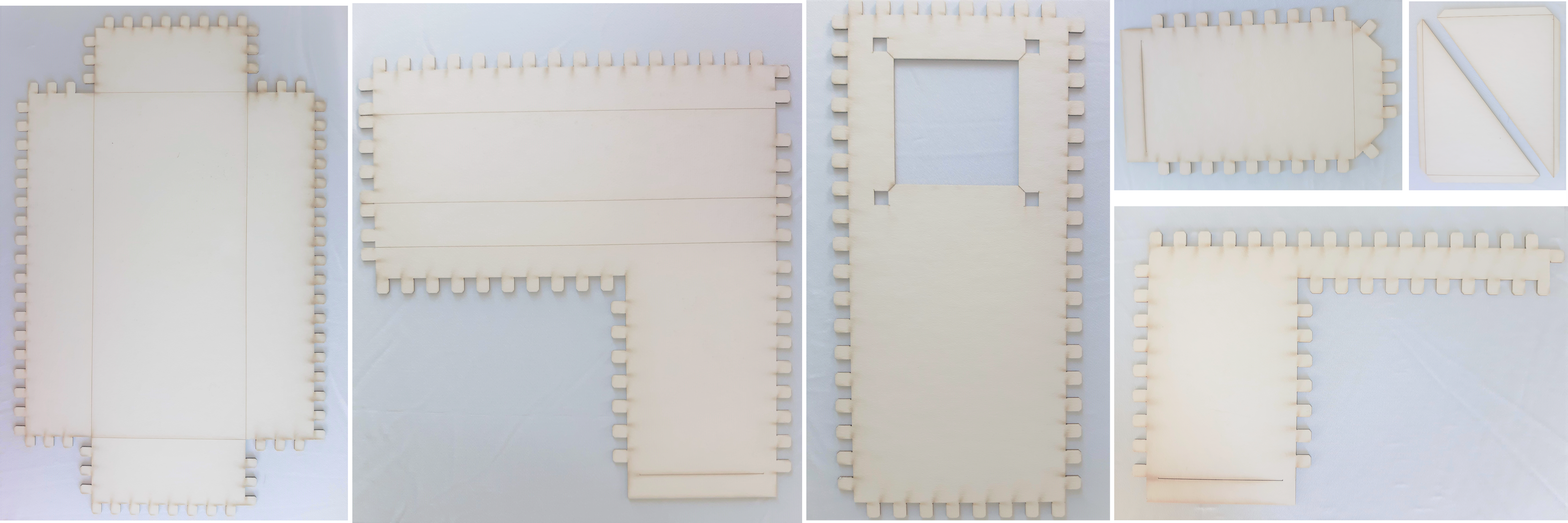
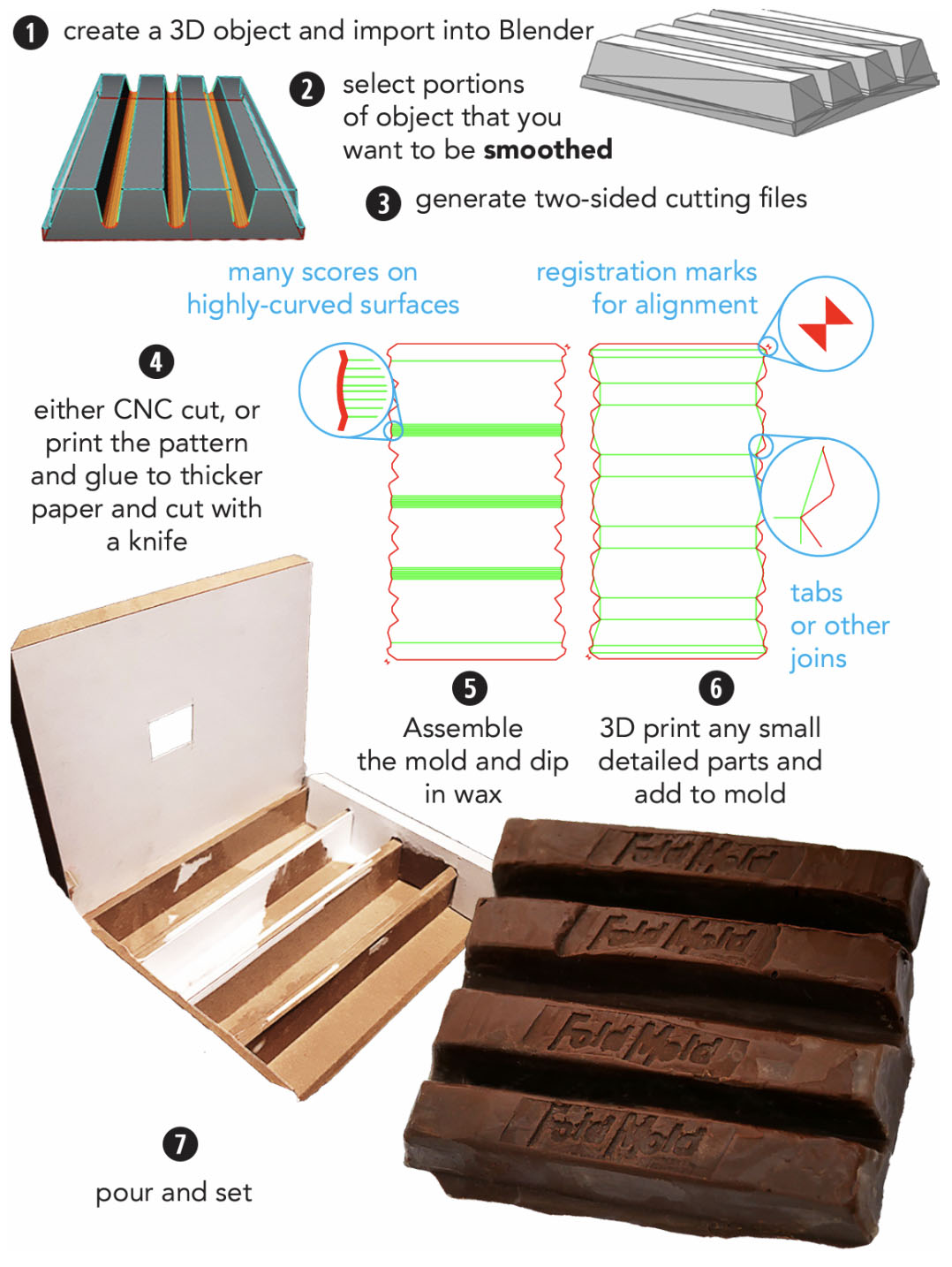
    When trying to develop soft silicone robots, we realized that we needed new methods for casting silicone shapes. As we got deeper into trying different casting methods, we thought: why not just build fully wax molds? But the bigger we wanted to make them, the more difficult they were to 3D print. In comes the idea: what if we used wax-dipped paper as a way to support large wax molds?

    We started experimenting with a laser cutter and lots of wax.

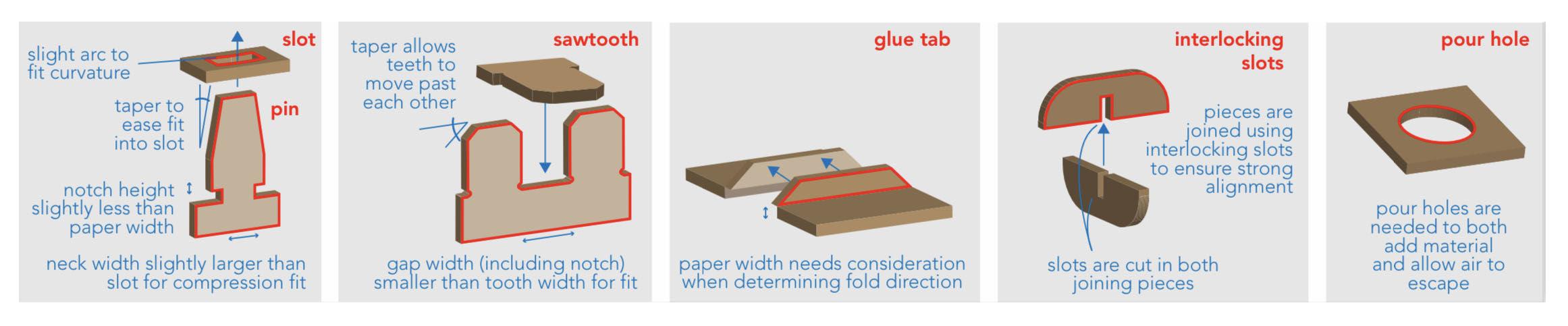
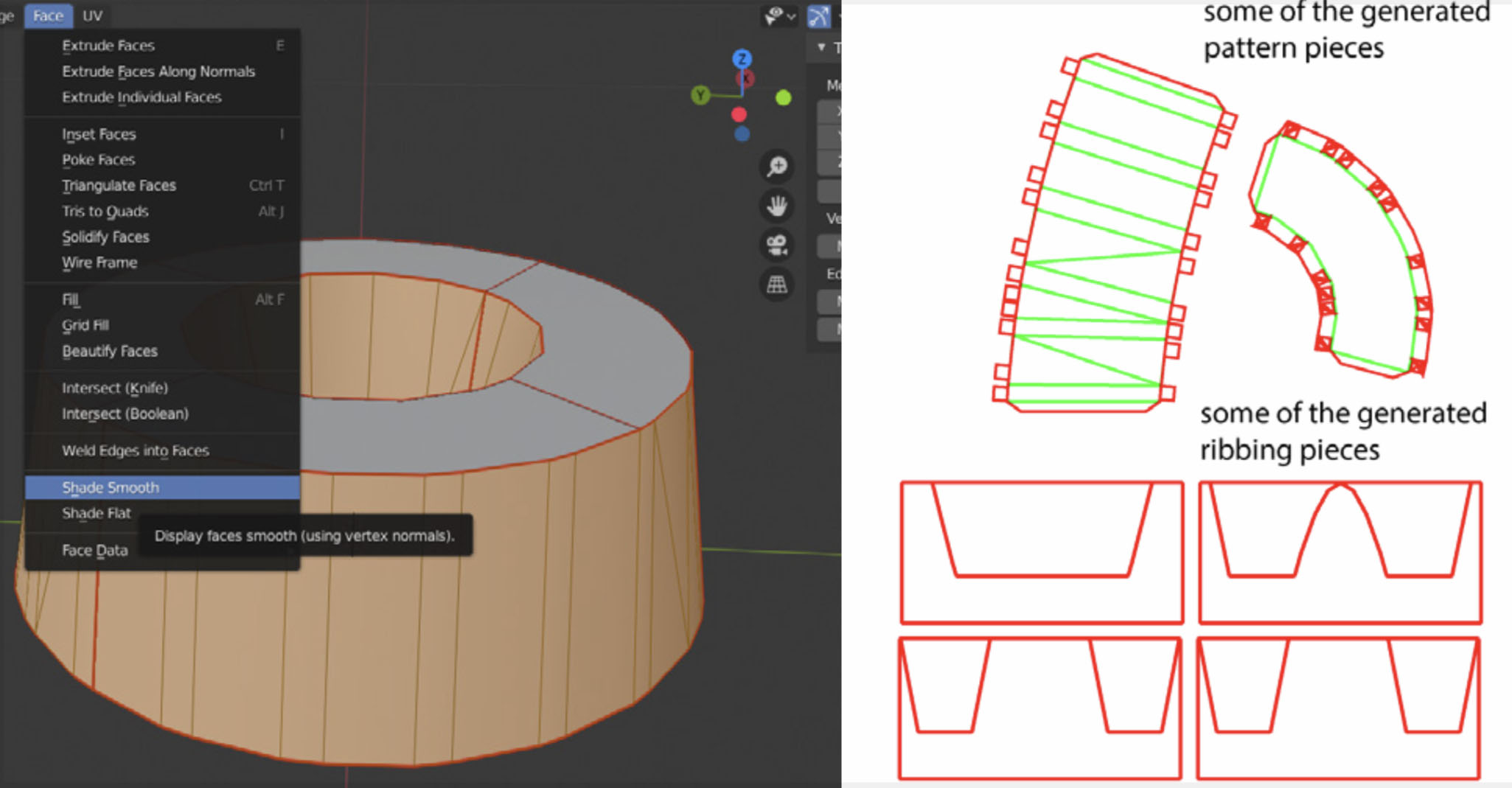
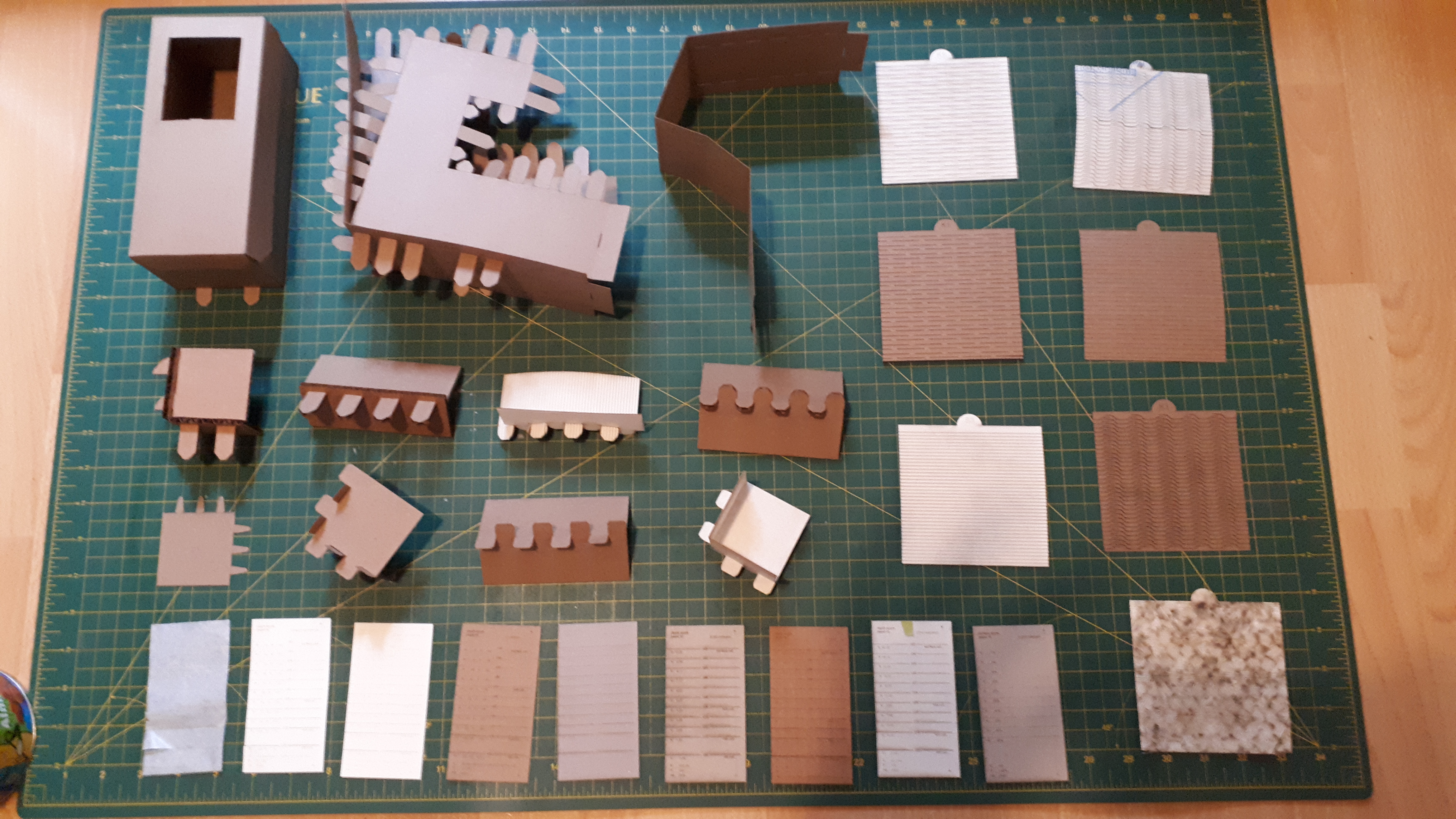
    After a lot of hand-building, experimentation, and coding we ended up creating a system that went from 3D model to lasercut assembly pattern.

    The system automatically calculated the kind of pattern based on the thickness of the paper you wanted to use, and the joins and holes between pieces of paper.

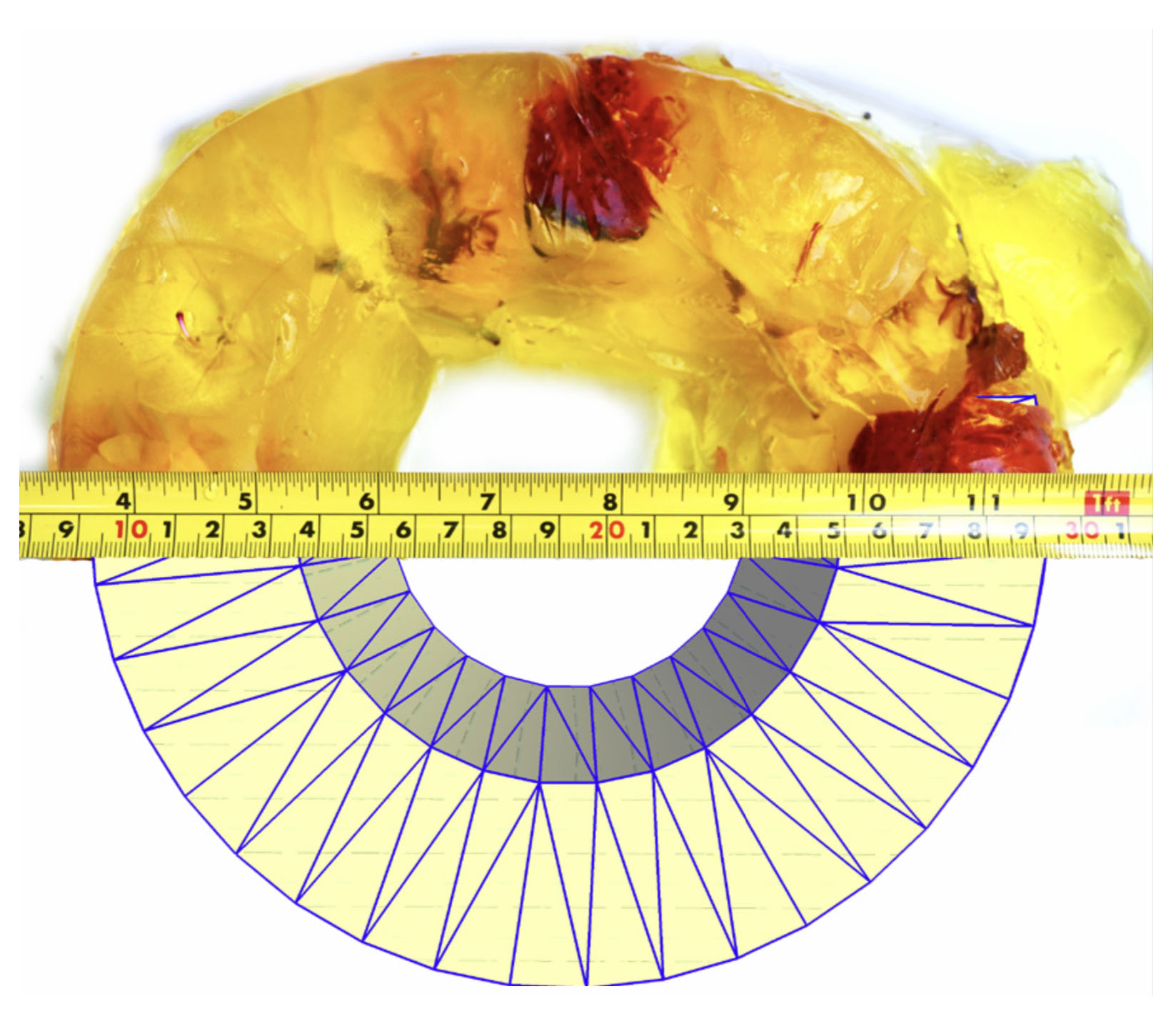
    We made some cool shapes. One great one was a jello Bundt cake.

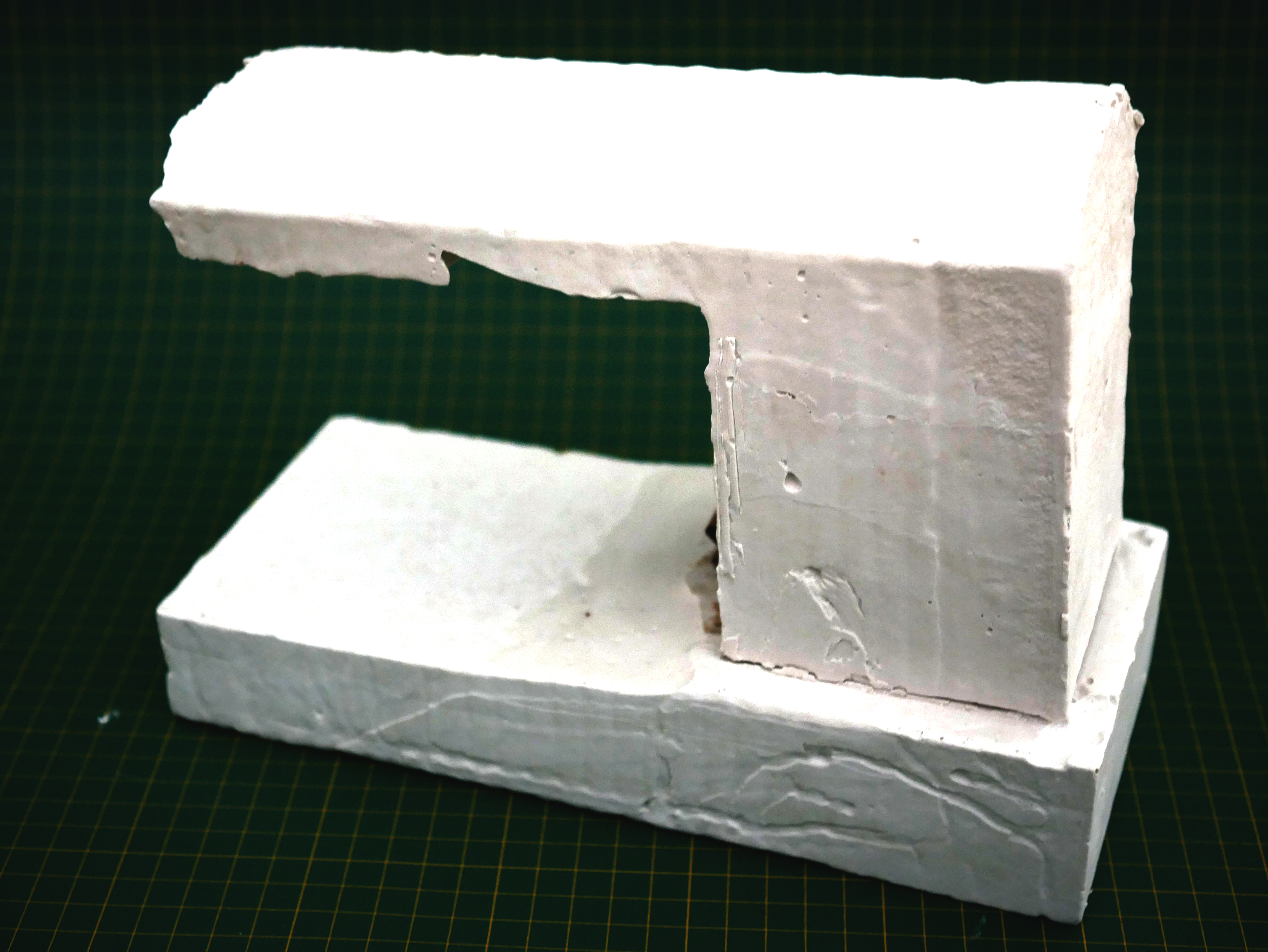
    Or a plaster model of something like a sewing machine.


    Related Publications

    >Hanieh Shakeri, Hannah ElbaggariPaul BucciRobert XiaoKaron E MacLean. “Foldmold: Automating papercraft for fast DIY casting of scalable curved shapes.” Graphics Interface 2021.

  • Building soft sensors into soft robots

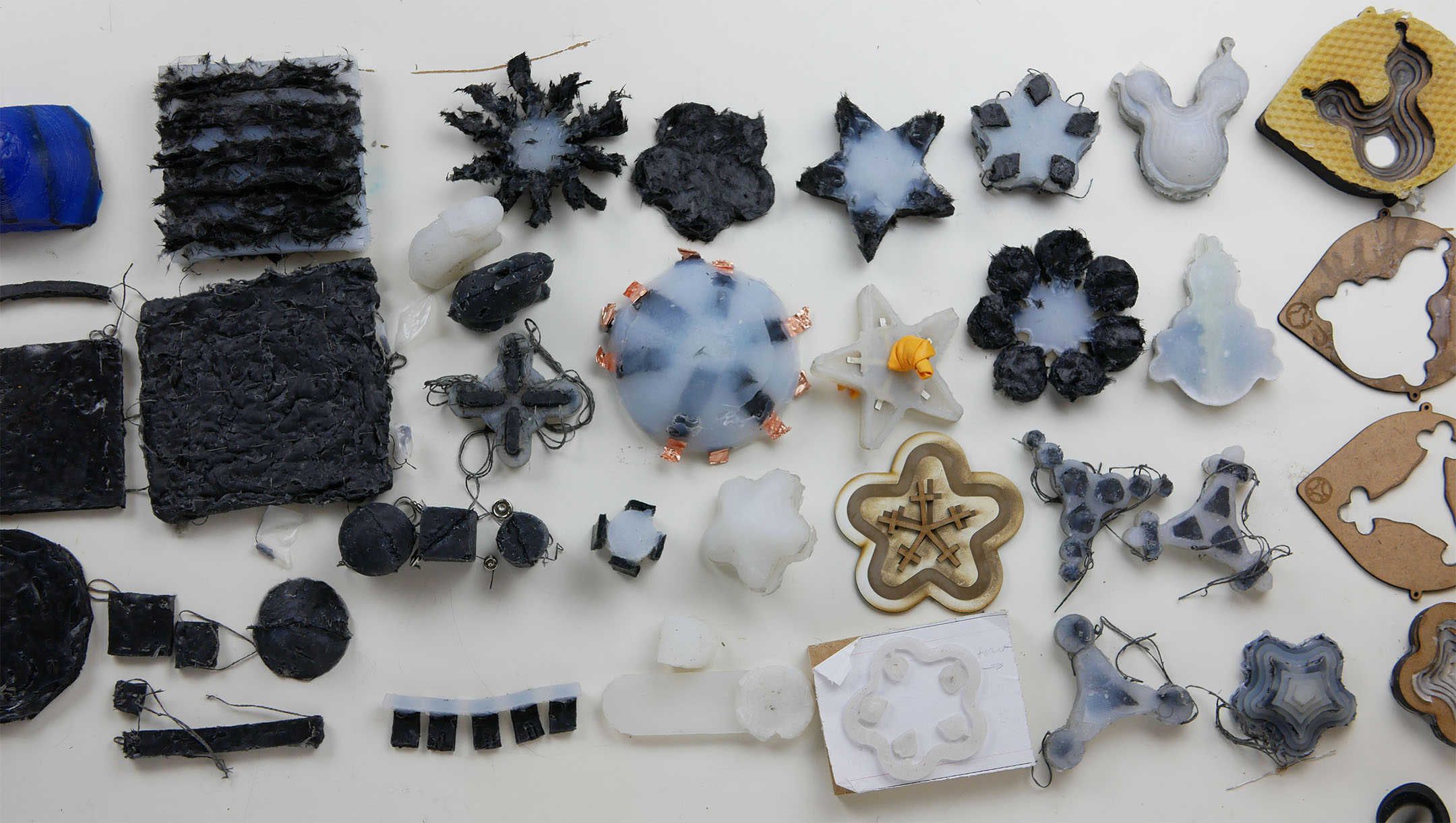
    After I finished my work on the CuddleBits, I was given a new design task: how do we get a breathing robot that can bend at the same time? As a result, I had to learn about soft robotic design and ended up developing new ways of quickly prototyping carbon black and silicone-based sensors.

    We ended up developing a way to laser cut beeswax and use as a way to create lost wax chambers for air to actuate the silicone devices.

    One of the prototypes being actuated with air.

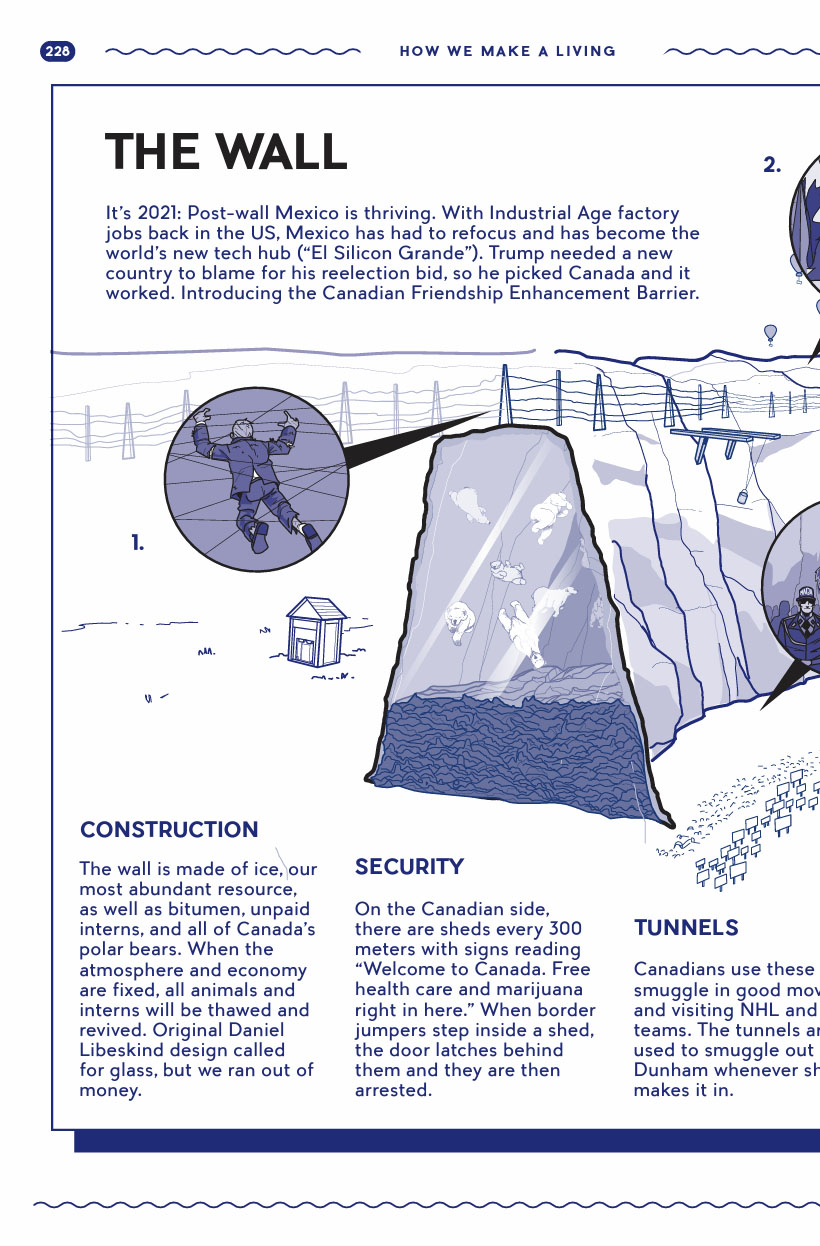
  • Canadaland Guide to Canada

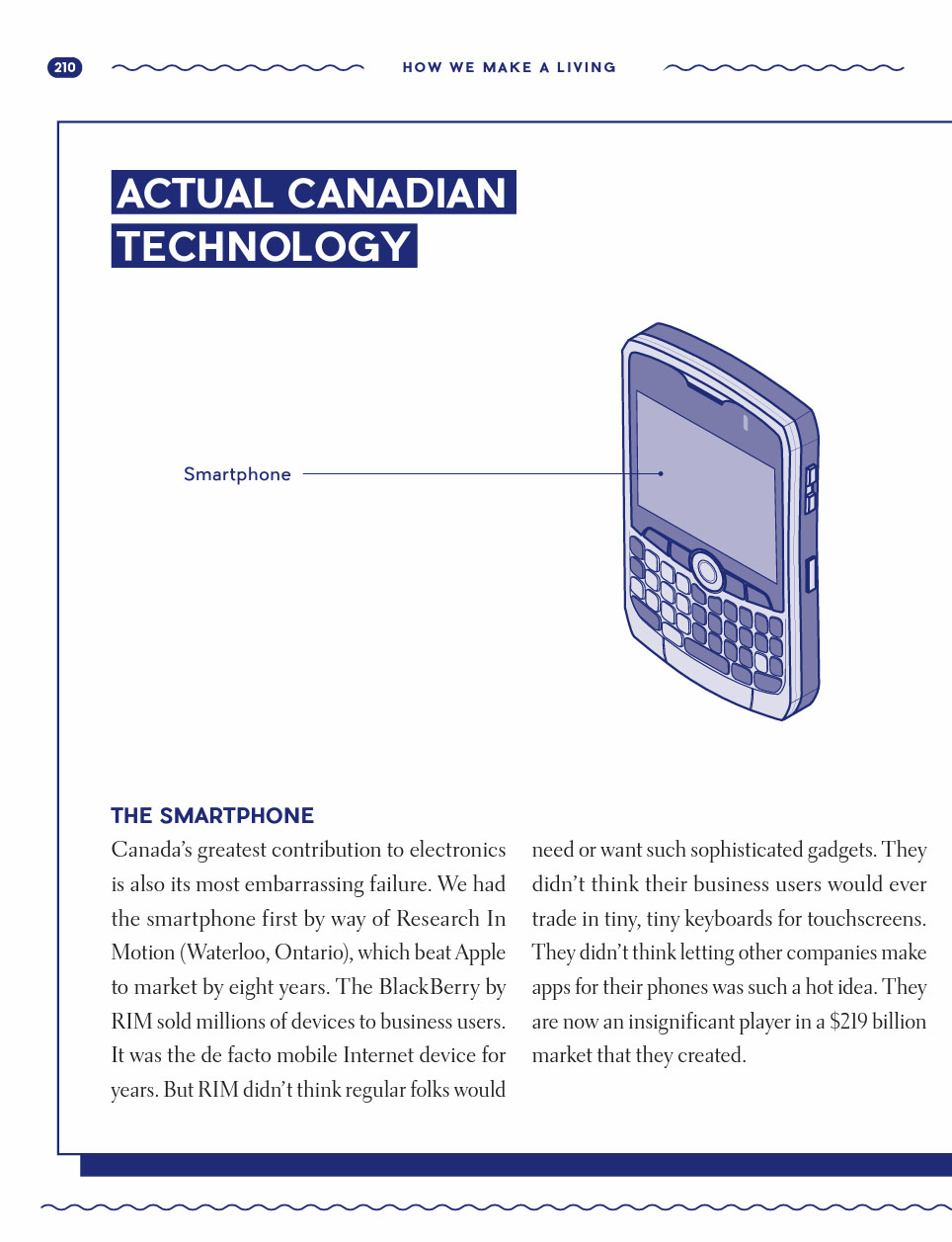
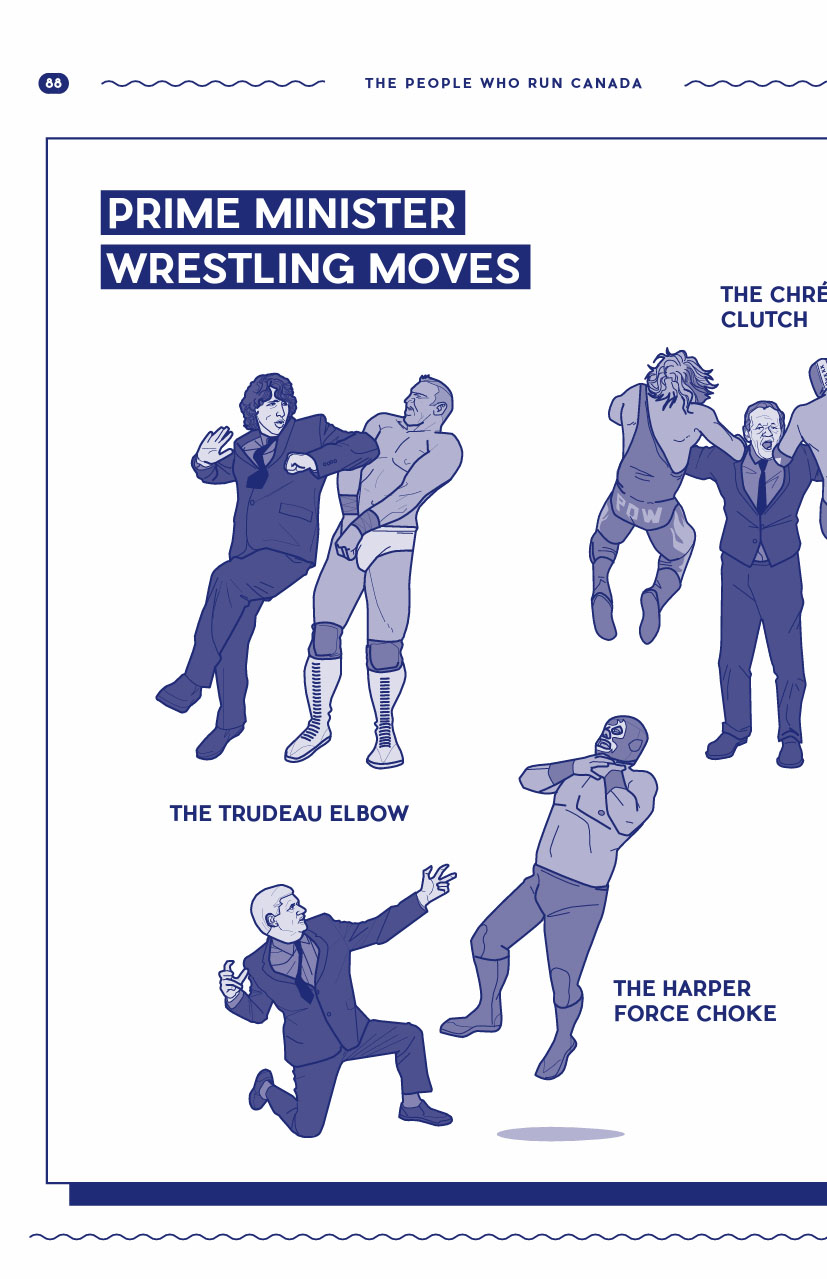
    I was the lead designer for Jesse Brown/Nick Zarzycki/Vicky Mochama’s Canadaland Guide to Canada.

  • Ubyssey Student Newspaper

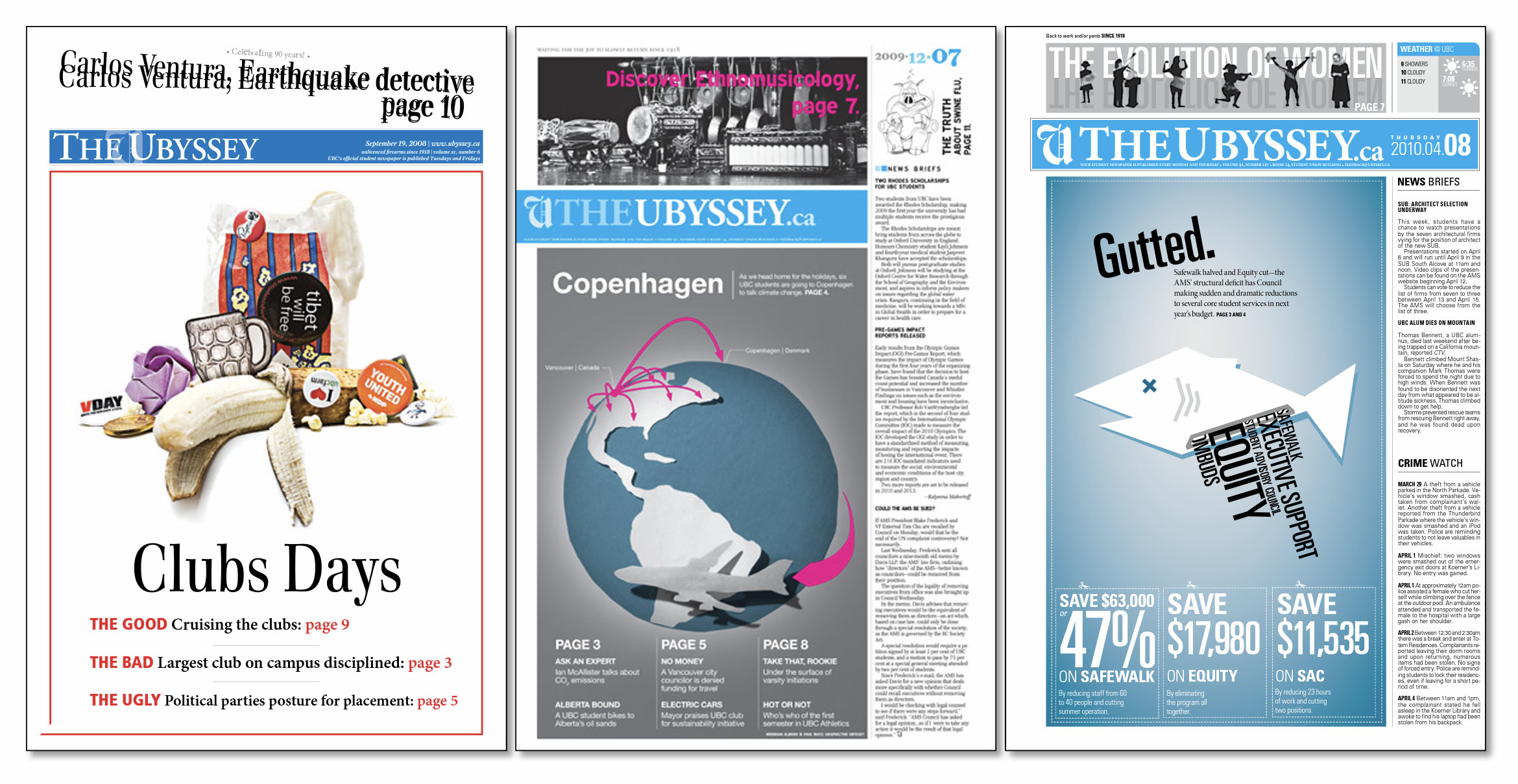
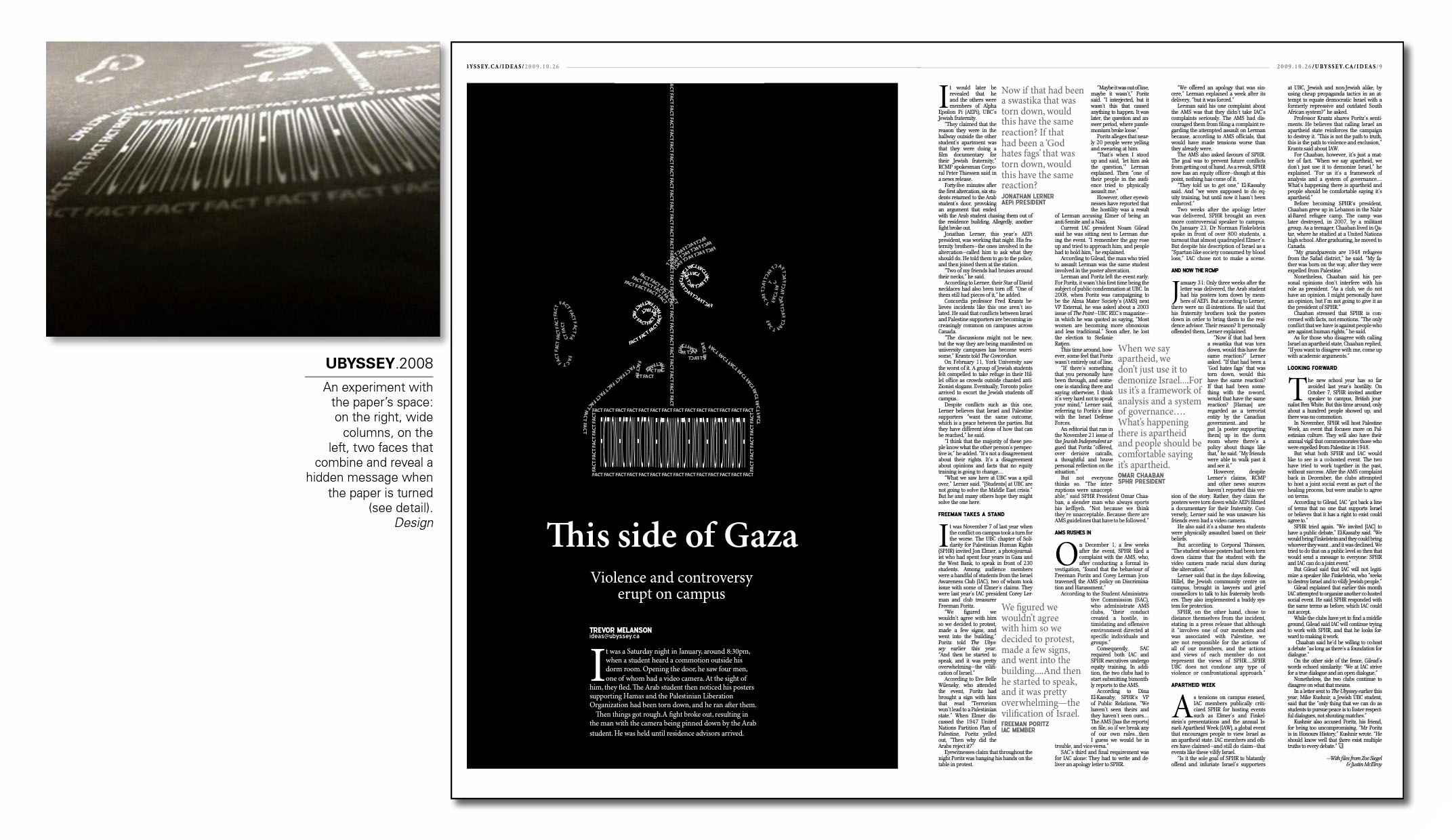
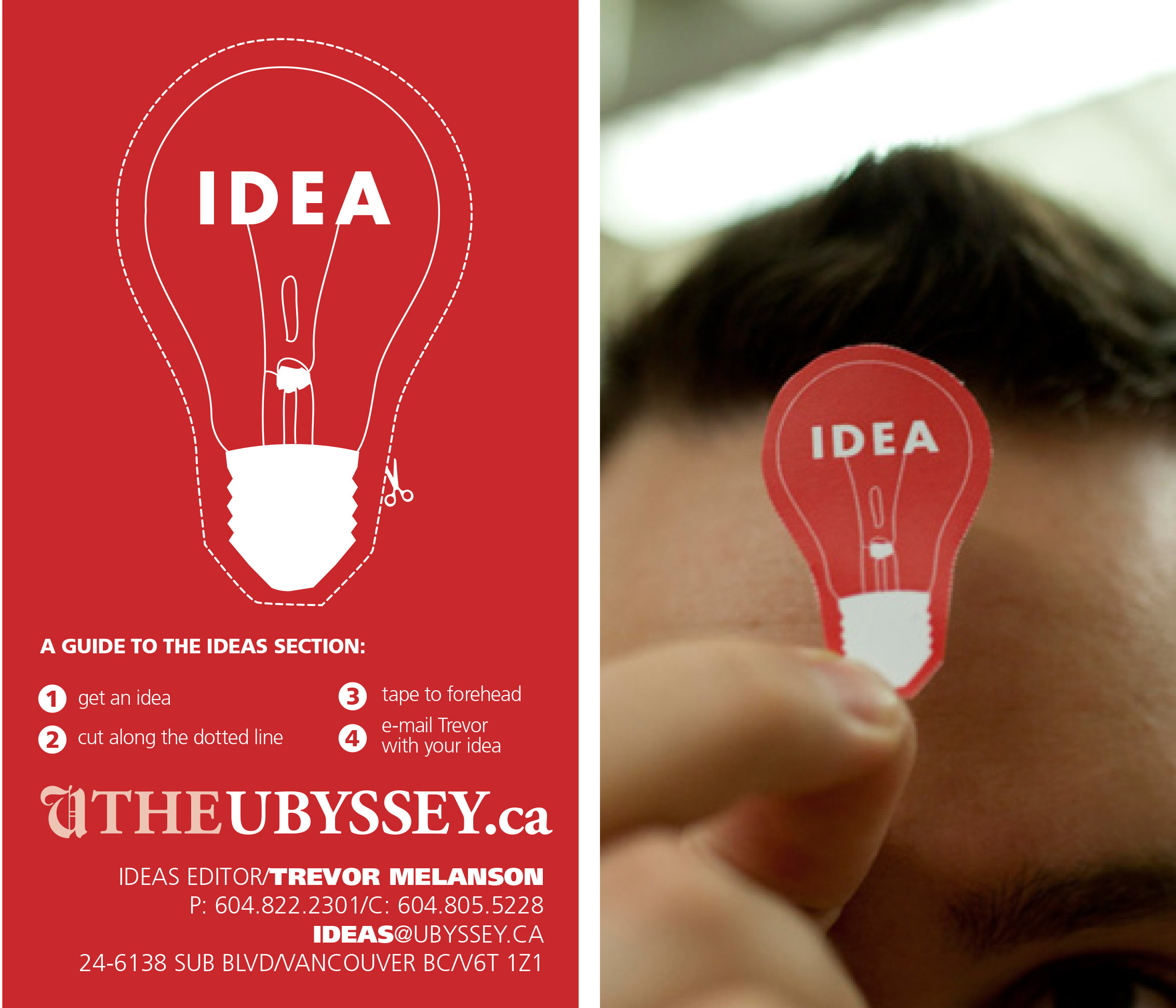
    I got my start doing print work at the Ubyssey Student Newspaper. Working with the then-photo editor Goh Iromoto (who I later worked for as an editor, PA, and grip), we experimented a lot with the physical paper itself. Most of the time, we had access to only one or two spot colours and had to get clever.

  • Looking for Gods and Punishment

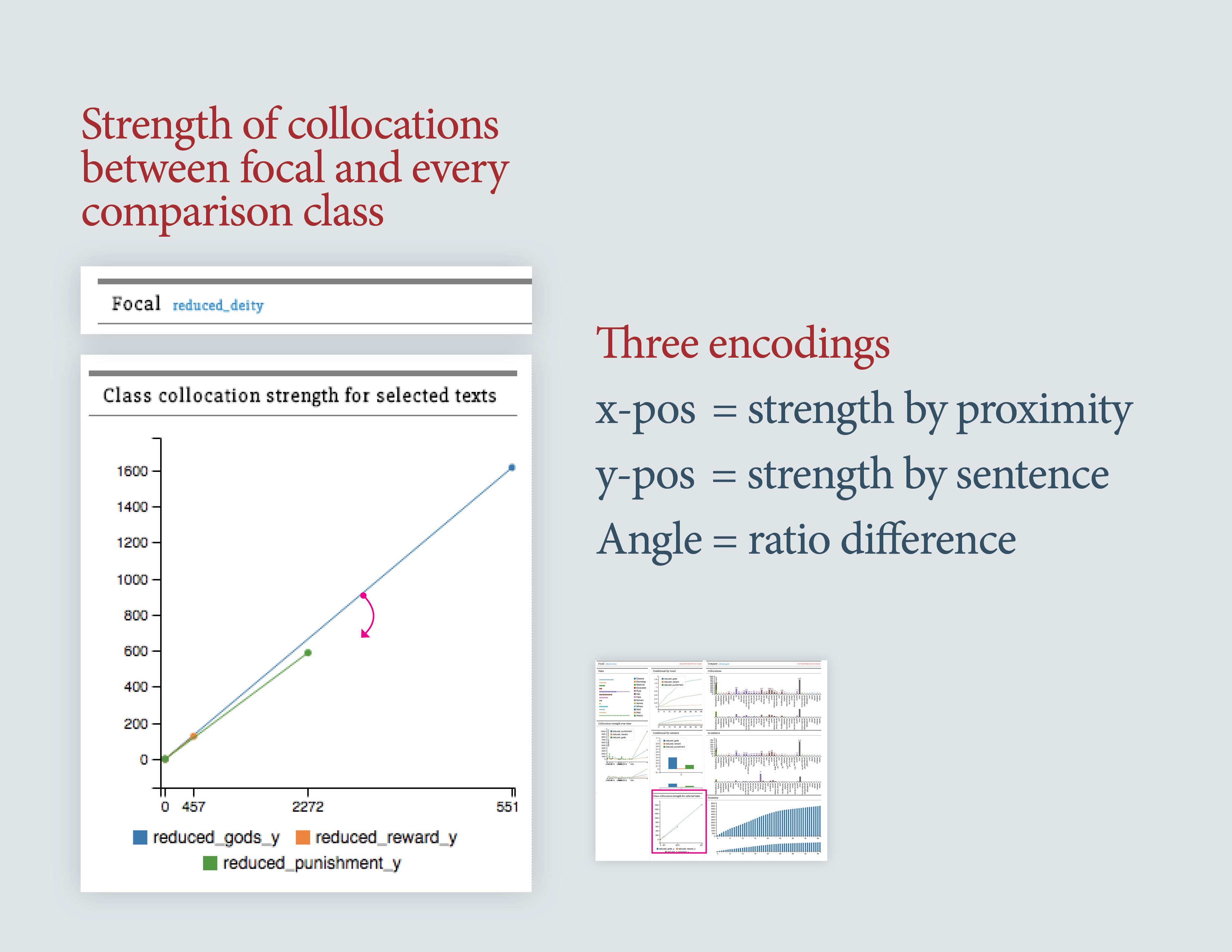
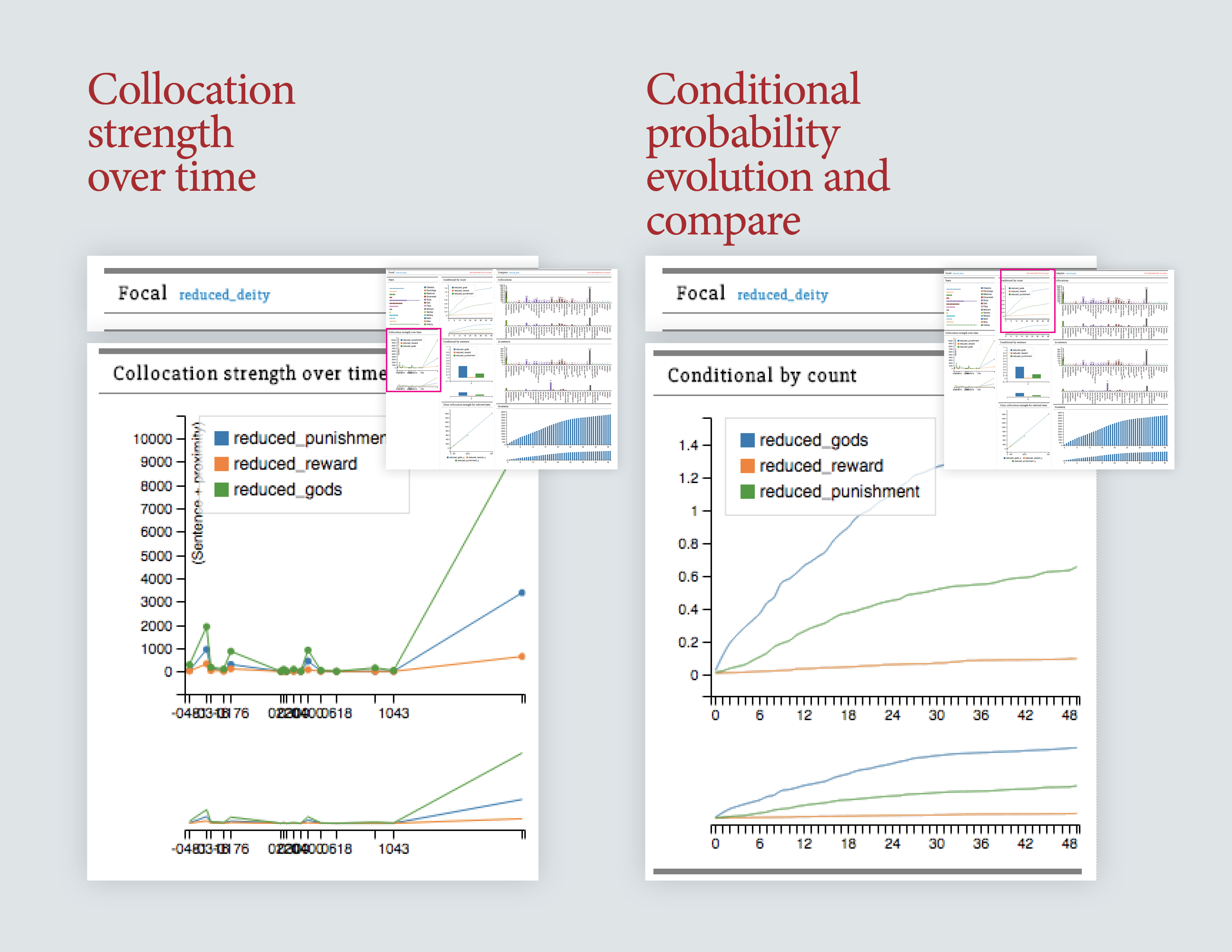
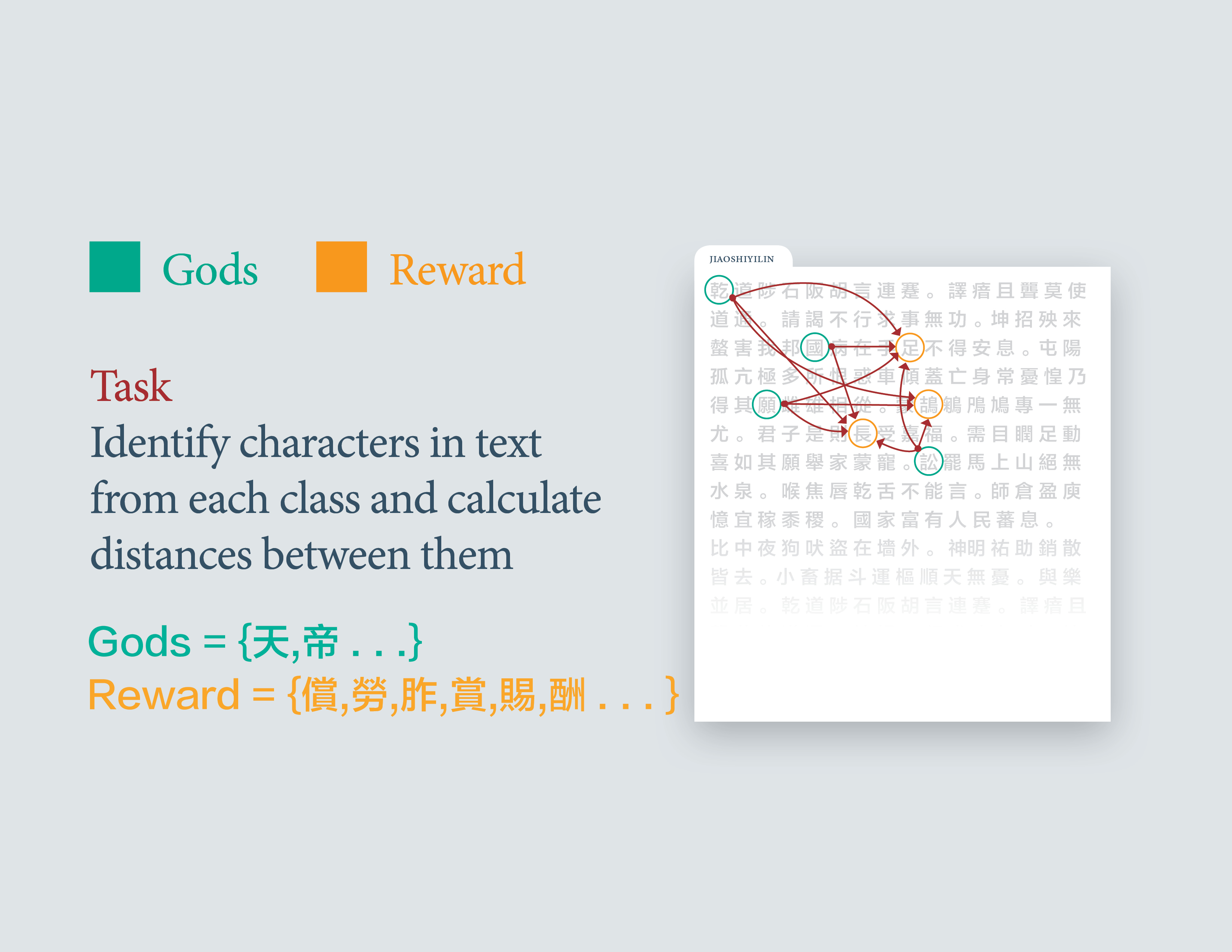
    I did consulting work for a digital humanities group, producing a python library for text processing and a visualization for the corpus. The project was to figure how far away words for the Gods were from words for punishment in ancient Chinese texts.

    You can view a working version of the visualization here.

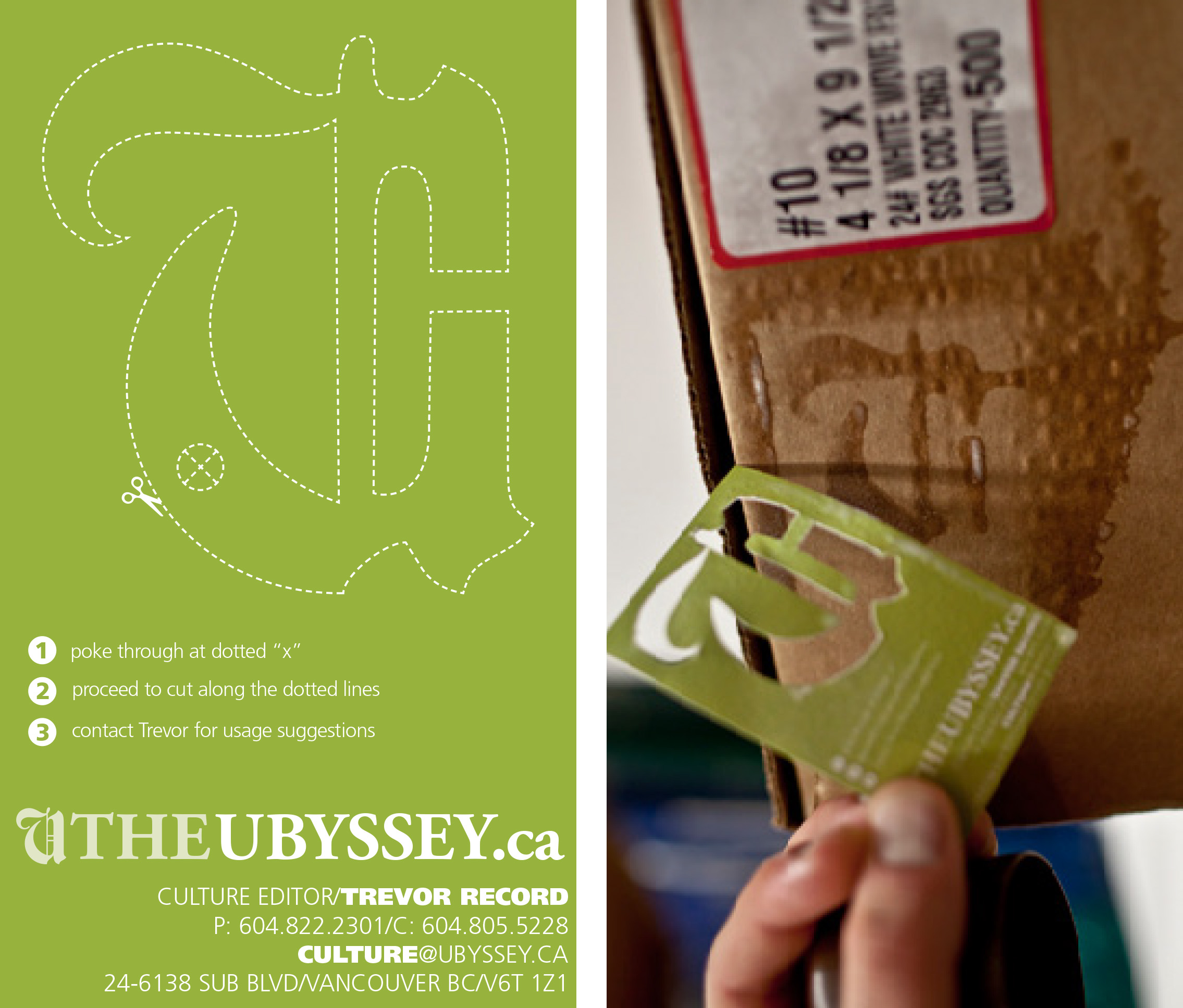
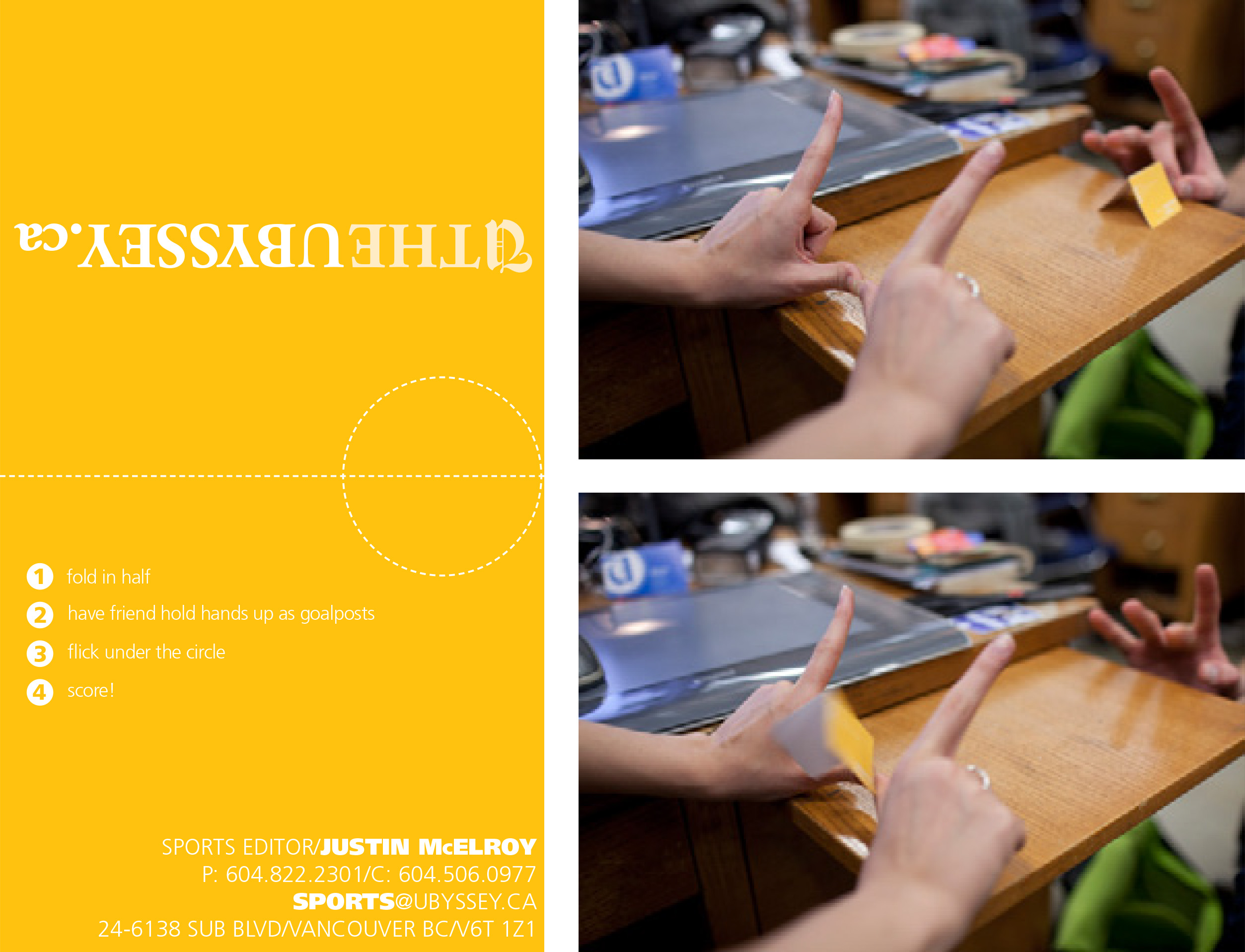
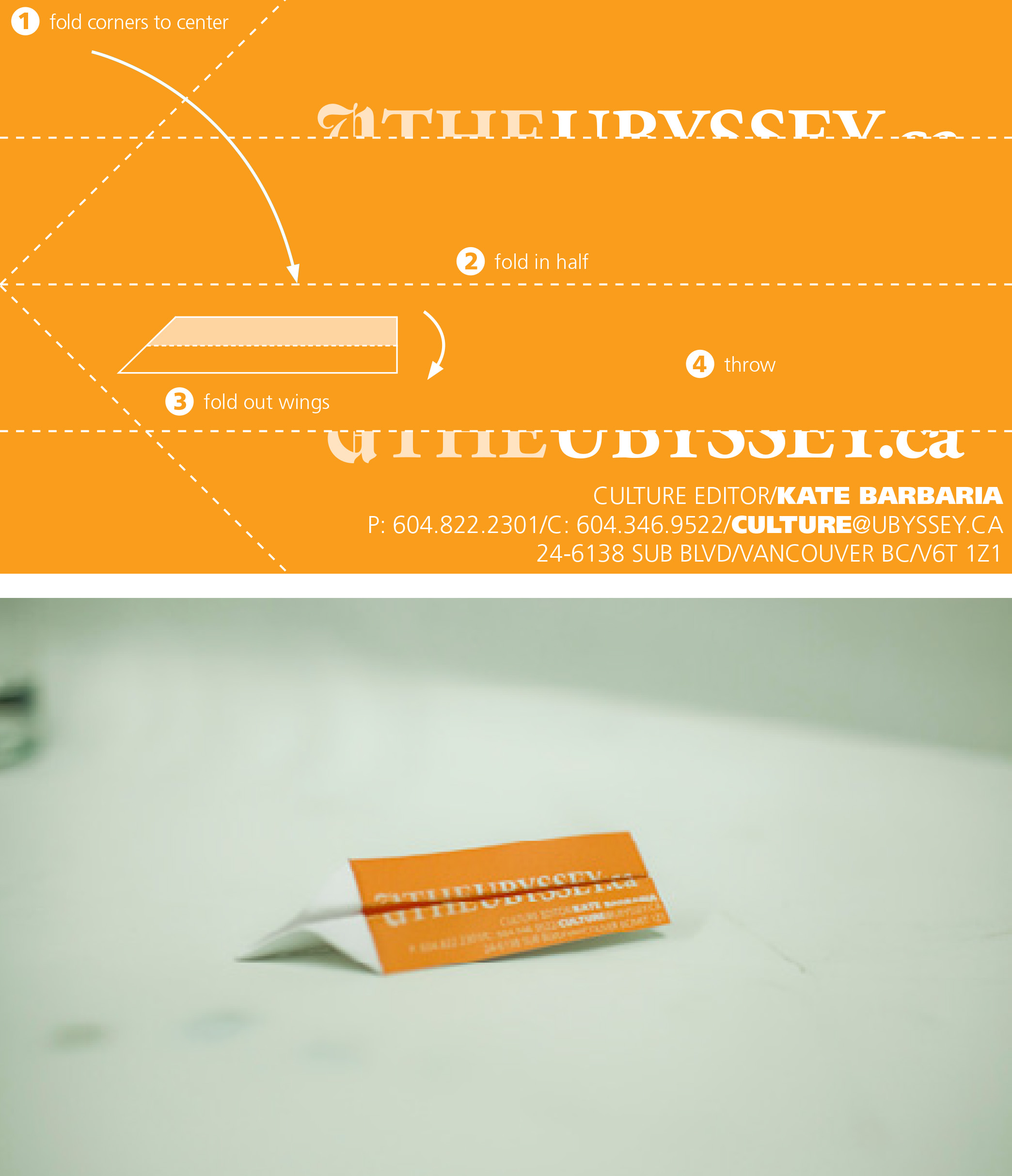
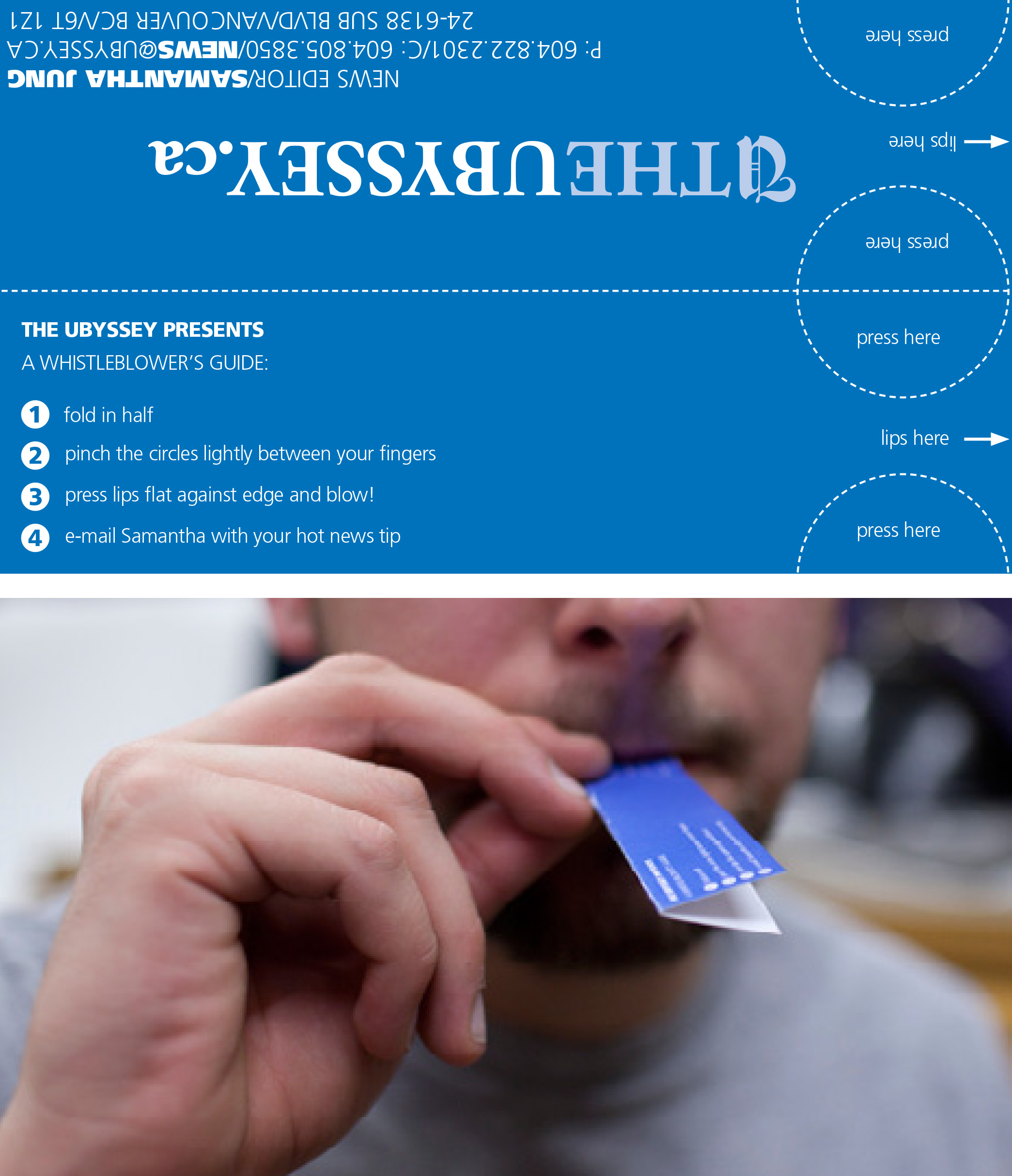
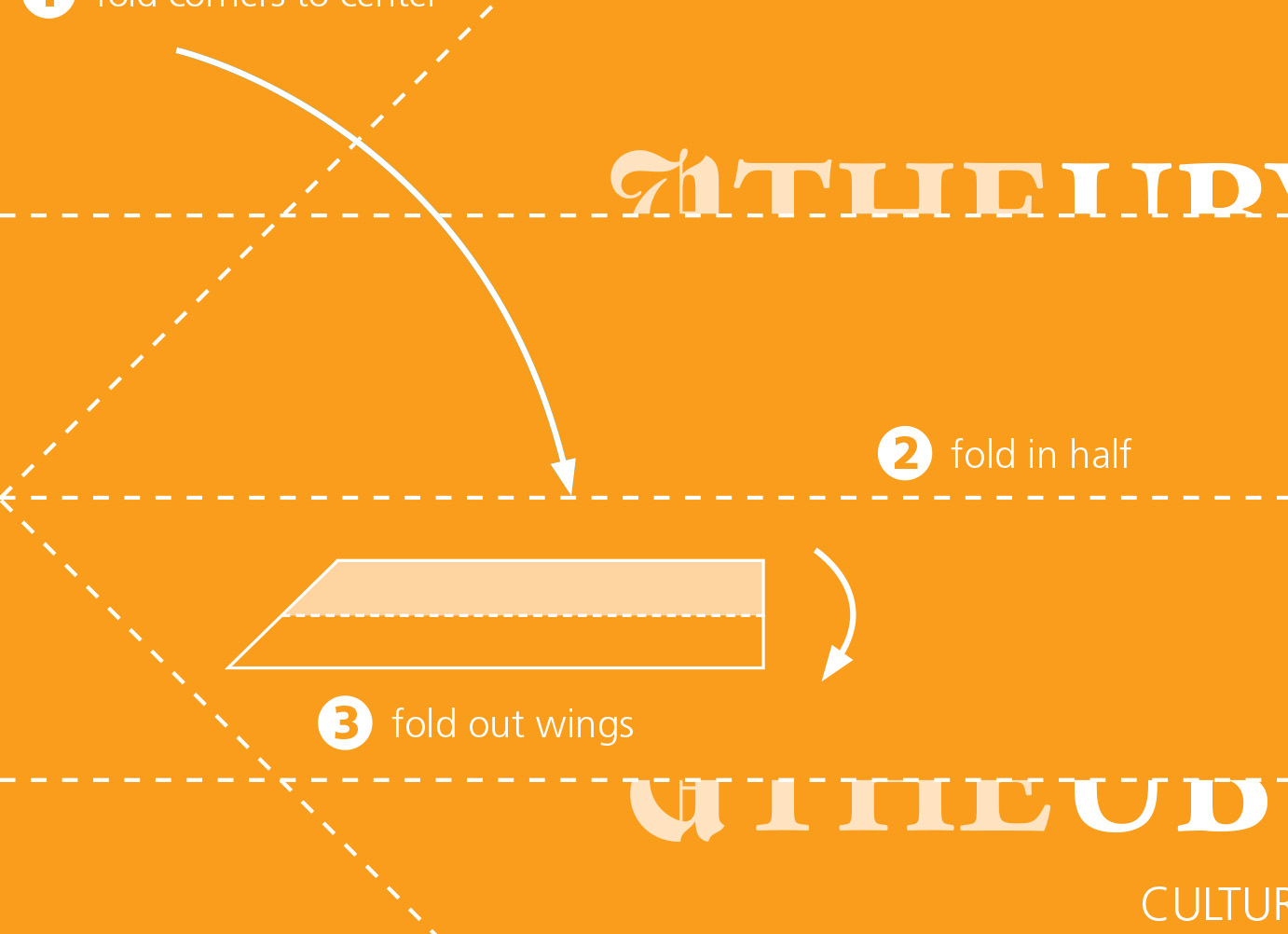
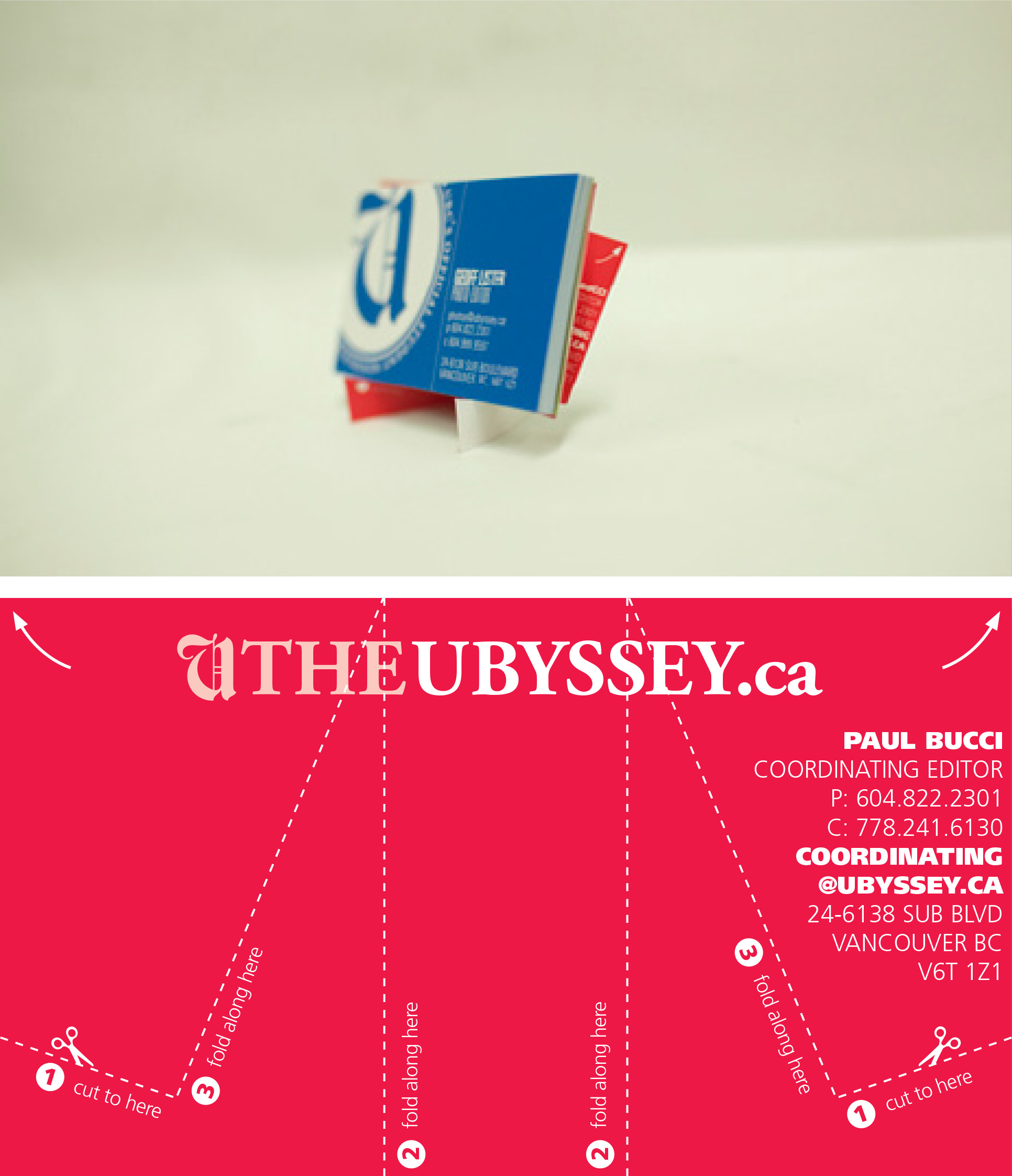
  • Ubyssey Usable Business Cards

    For this year, the editors wanted business cards they could actually do something with other than just hand them out.

  • Miscellaneous logo design

    I designed a series of logos for different companies and people.

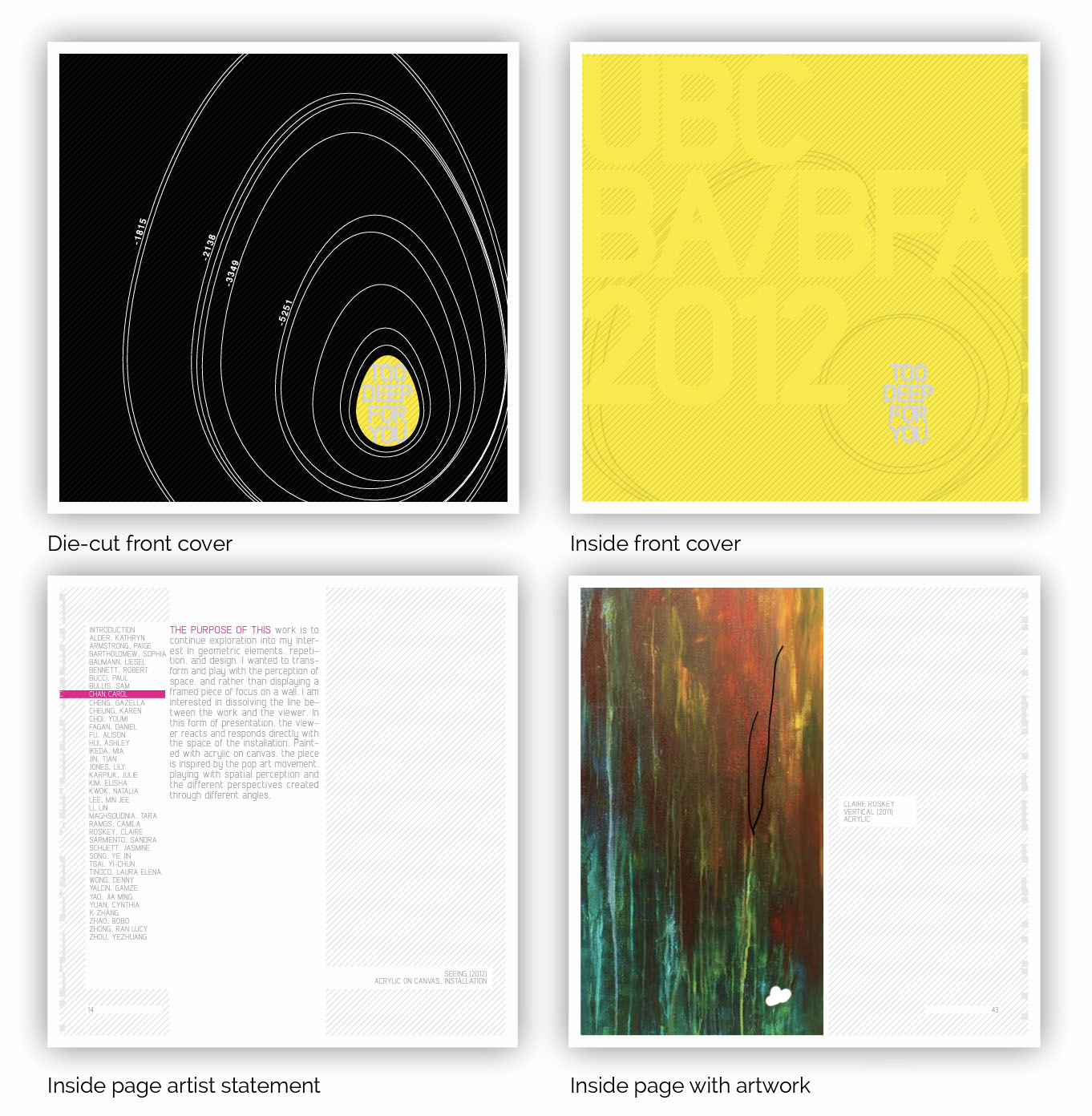
  • 2012 BFA Exhibition Catalogue

    In 2012, I was the lead designer for my graduating class exhibition catalogue. It was a lot of fun—they allowed me to spend the budget on a die cut cover and full gloss colour printing.